Bratrax for Slack

Your numbers, in the channel where the decision gets made.

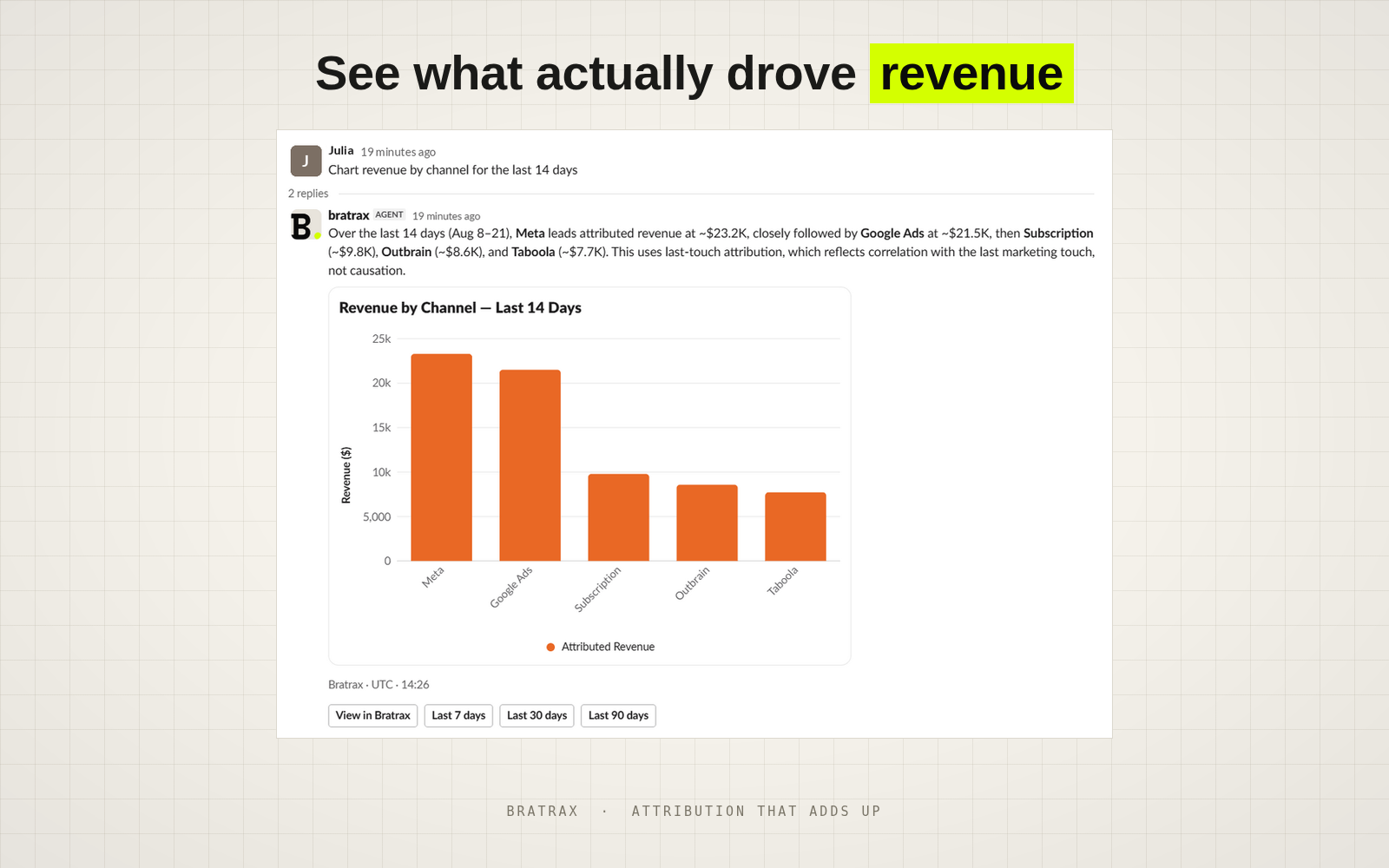
Somebody asks why ROAS dropped. Type @bratrax and the answer lands right there in the thread — the number, what moved it, and a chart everyone can see at the same time. No dashboard, no screenshot, no “give me a minute.”

Included with every plan · Takes about a minute · New to Bratrax? Try Bratrax

Everything you'd open Bratrax for, without opening Bratrax.

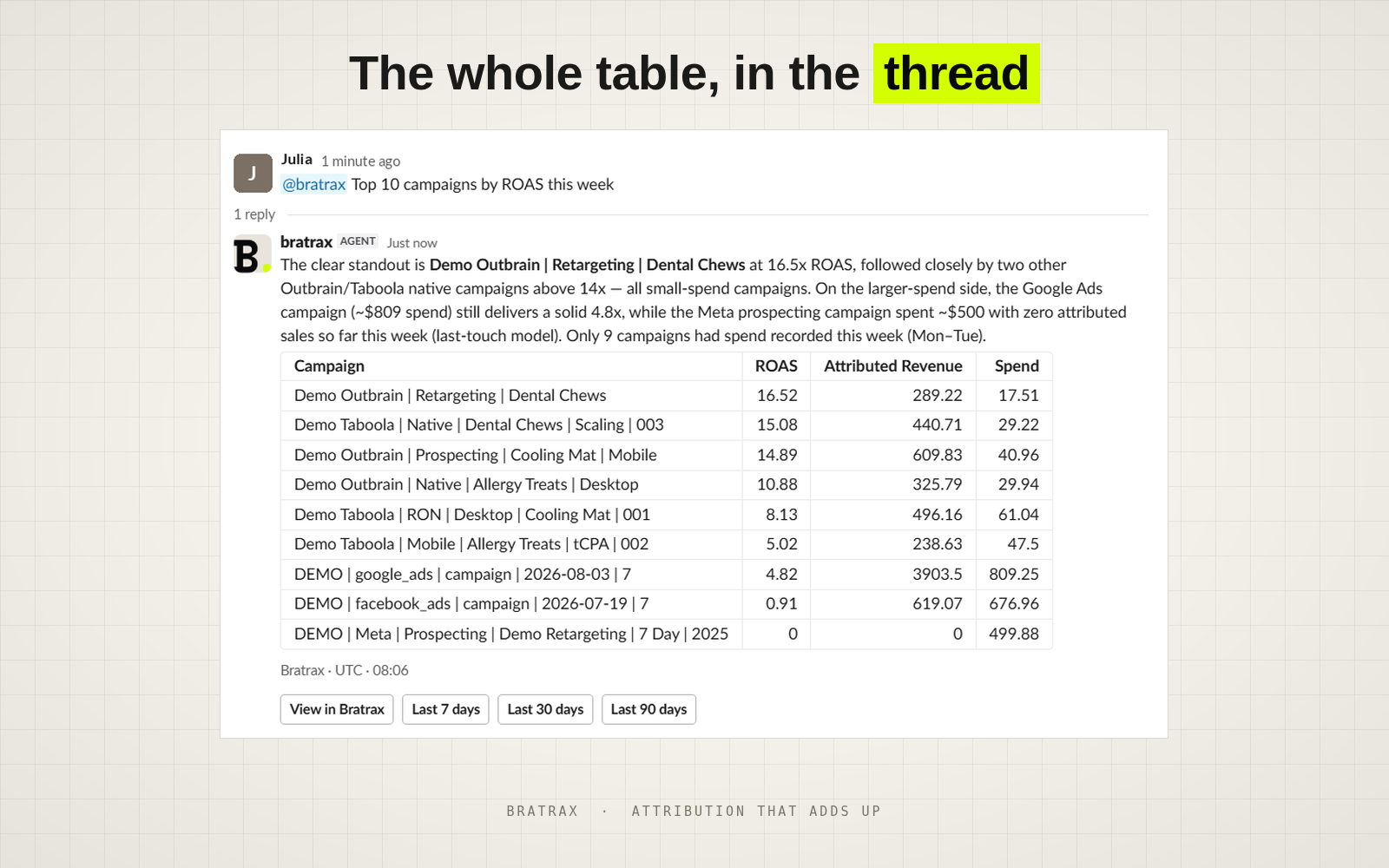
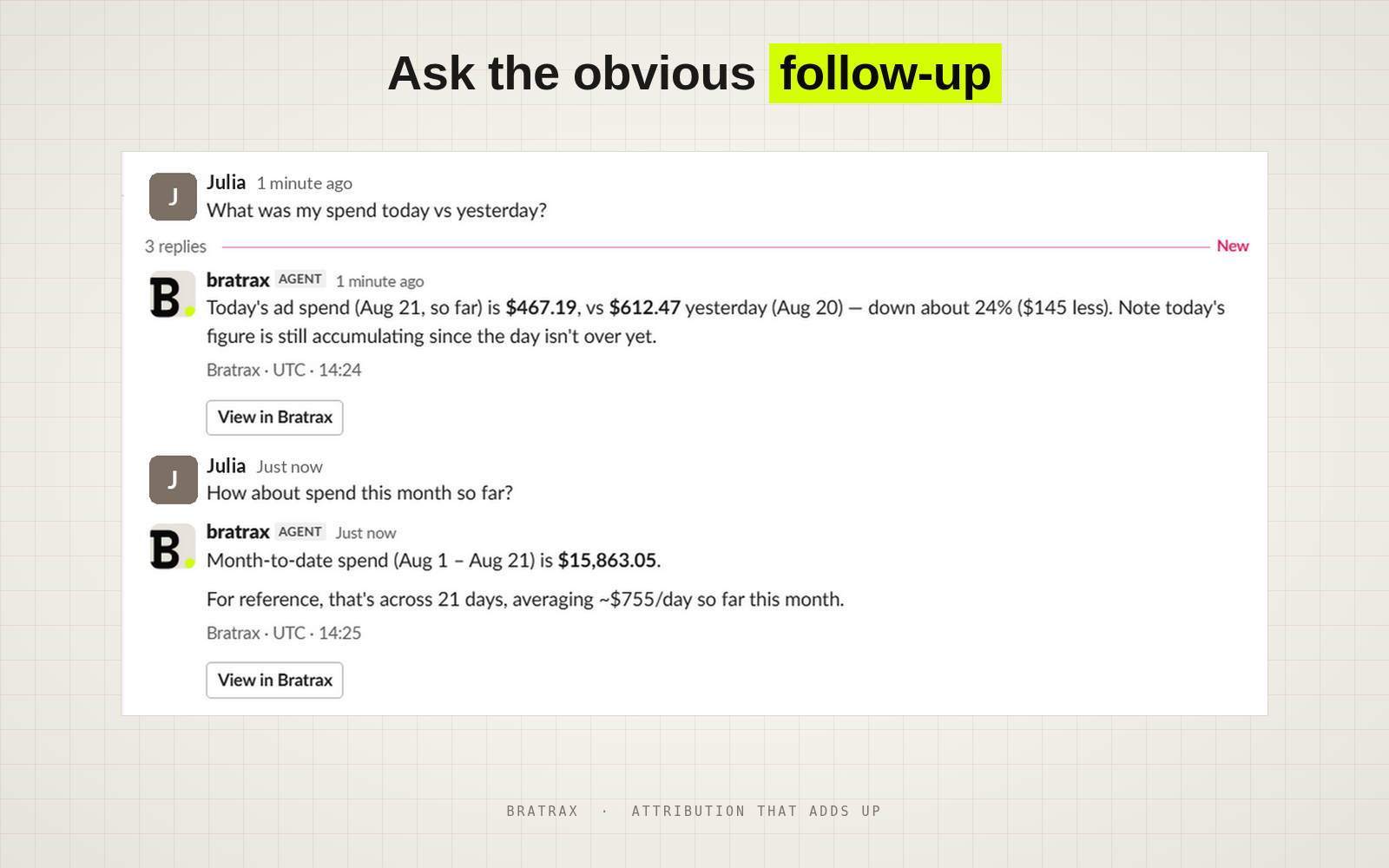
Ask in the channel and the answer comes back already narrowed to what you asked — the range, the channel, the campaign. Want it tighter? Ask again. Nobody screenshots a dashboard, nobody re-crops a chart, and nobody leaves the conversation to go and look.
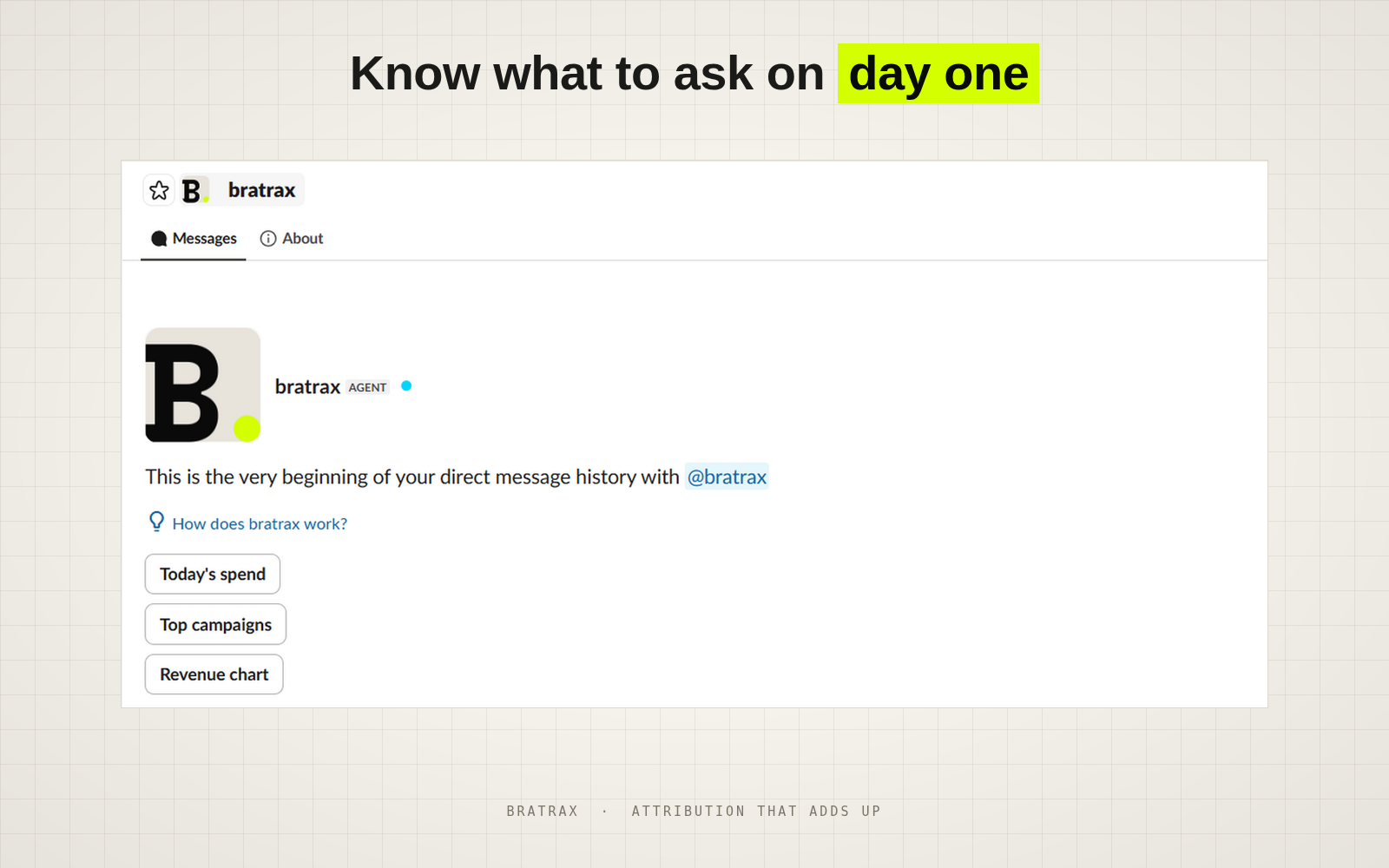
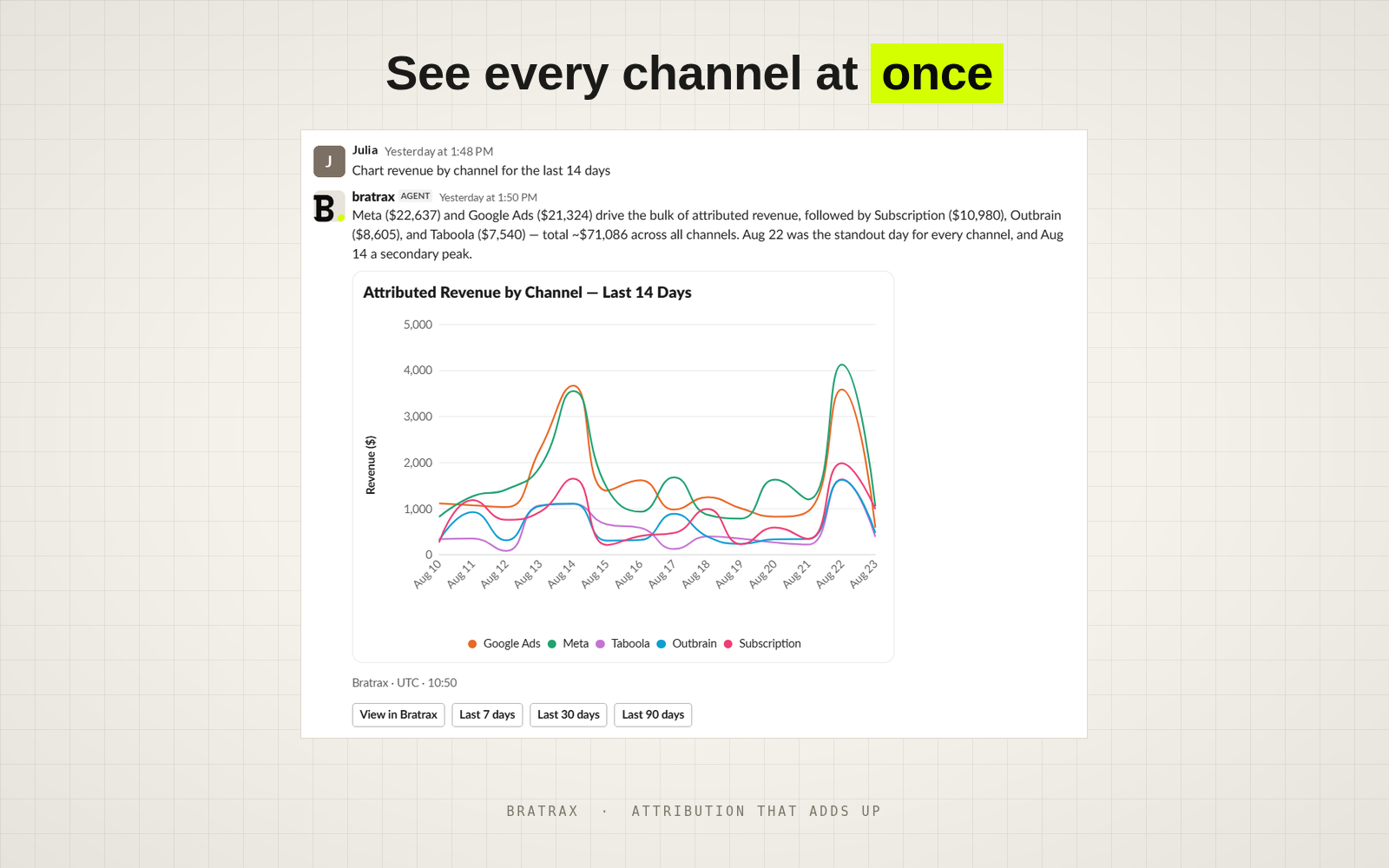
The questions that used to take all afternoon.

Not lookups — the questions where you'd normally cross-reference two dashboards and a spreadsheet before you could answer. One line, one answer, in the thread.

"Which campaigns lost money last week?"
"What's my real CAC once returns are out?"
"How much revenue is still landing in Direct?"
"Did the email flow beat the paid campaign?"
"Which SKUs are actually carrying the margin?"
"Which ad set is scaling, and which one is stalling?"

Three steps between you and asking in the channel.

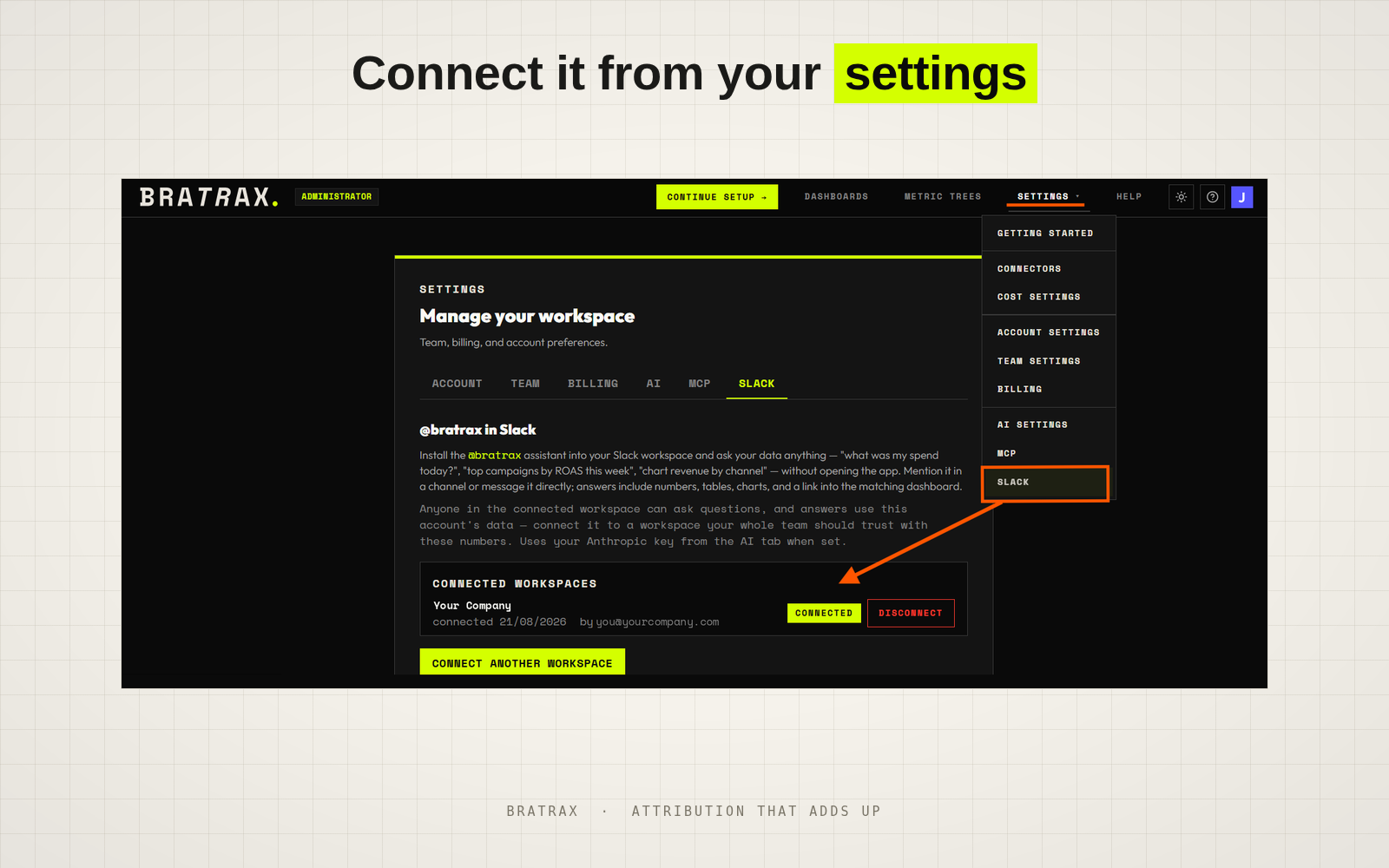
Connect it from your settings. The Bratrax app with the Settings menu open and Slack highlighted; the Slack tab shows the connected workspace and a button to connect another one.
01

Set up Bratrax

Connect your store and the ad platforms you spend on. Once that's done, you're set.

02

Add Slack from Settings

Go to Settings → Slack, follow the instructions on screen, and you're connected in a few clicks.

03

Ask, wherever you already are

Mention @bratrax in any channel, or send it a direct message. Answers land in the same thread, so the numbers stay with the conversation that needed them.

If it's on a dashboard, you can just ask.

@bratrax reads exactly what your dashboards read. Connect a platform and its numbers are answerable in the channel the same day — nothing extra to set up.

Stores
Shopify WooCommerce Amazon Seller Central
Advertising
Meta Google Ads TikTok Microsoft Bing Pinterest Amazon Ads Taboola Outbrain
Email & SMS
Klaviyo Bloomreach
Landing pages
Funnelish External page builders

More are added regularly.

* The Bratrax Slack agent can be wrong. Answers are generated by a large language model. Every answer carries a link into the dashboard it came from — check anything you're about to act on.

It won't break anything.

It can pull any number in your account in seconds, and it cannot change a single one — not your data, not your store, not your ad accounts. It only ever sees the channels you invite it into.

  • It can't change anything. The assistant can query your metrics and read your dashboards. It cannot write to your data, your store, or your ad accounts.
  • It only sees channels it's in. Channels it's been invited to, and DMs sent to it. Nothing else in your workspace.
  • It doesn't store your messages. Your question is read to answer it and isn't written to our database.
  • It answers for one store. A workspace is bound to one Bratrax account. Multi-store operators connect one workspace per store.
  • It never posts unprompted. No alerts, no scheduled digests. It speaks when spoken to.
  • Disconnect any time from Settings → Slack, or by removing the app in Slack. Either revokes the token and deletes the connection.

Full detail in the privacy policy and the Slack FAQ.

Already in your plan

The next time someone asks, just answer.

The assistant comes with every Bratrax plan — no Slack tier, no per-seat charge, no bill that grows with the questions your team asks. It is sitting in your settings waiting to be switched on.

New to Bratrax? Try Bratrax — the assistant is included from day one.